
We’re excited to announce the release of iC3D version 12, bringing new packaging design capabilities, workflow enhancements, and important updates to licensing.
Here’s a look at what’s new in iC3D 12.0.
Introducing HYBRID Licensing
With the release of iC3D 12.0, we’re introducing our new HYBRID Licensing system, designed to simplify how iC3D licenses are managed and deployed.
To use iC3D 12.0 and future versions, you’ll need to upgrade to a HYBRID license key. Your new licensing credentials are available for download from the HYBRID Data Centre.
Existing legacy license keys will continue to support older versions of iC3D during the transition period. However, legacy keys are not compatible with iC3D 12.0 or later.

Choose the License That Fits Your Workflow
HYBRID Licensing offers two license options:
Local License
Designed for users who need a dedicated license on a specific workstation.
- Offline operation: After initial activation, the license can operate completely offline.
- Dedicated seat: The license is securely assigned to a single workstation.
- License identification: Local license serial numbers begin with IC3DS-.
Floating License
Designed for teams that need greater flexibility across multiple computers.
- Flexible access: A single license seat can be shared across up to 10 different computers, with one active user at a time.
- Internet connection required: Continuous connectivity is needed to manage active licensing sessions.
- License identification: Floating license serial numbers begin with IC3DF-.
- Availability: Floating licensing is available for iC3D Suite only and is not available for the Select, Designer, or Modeller editions.
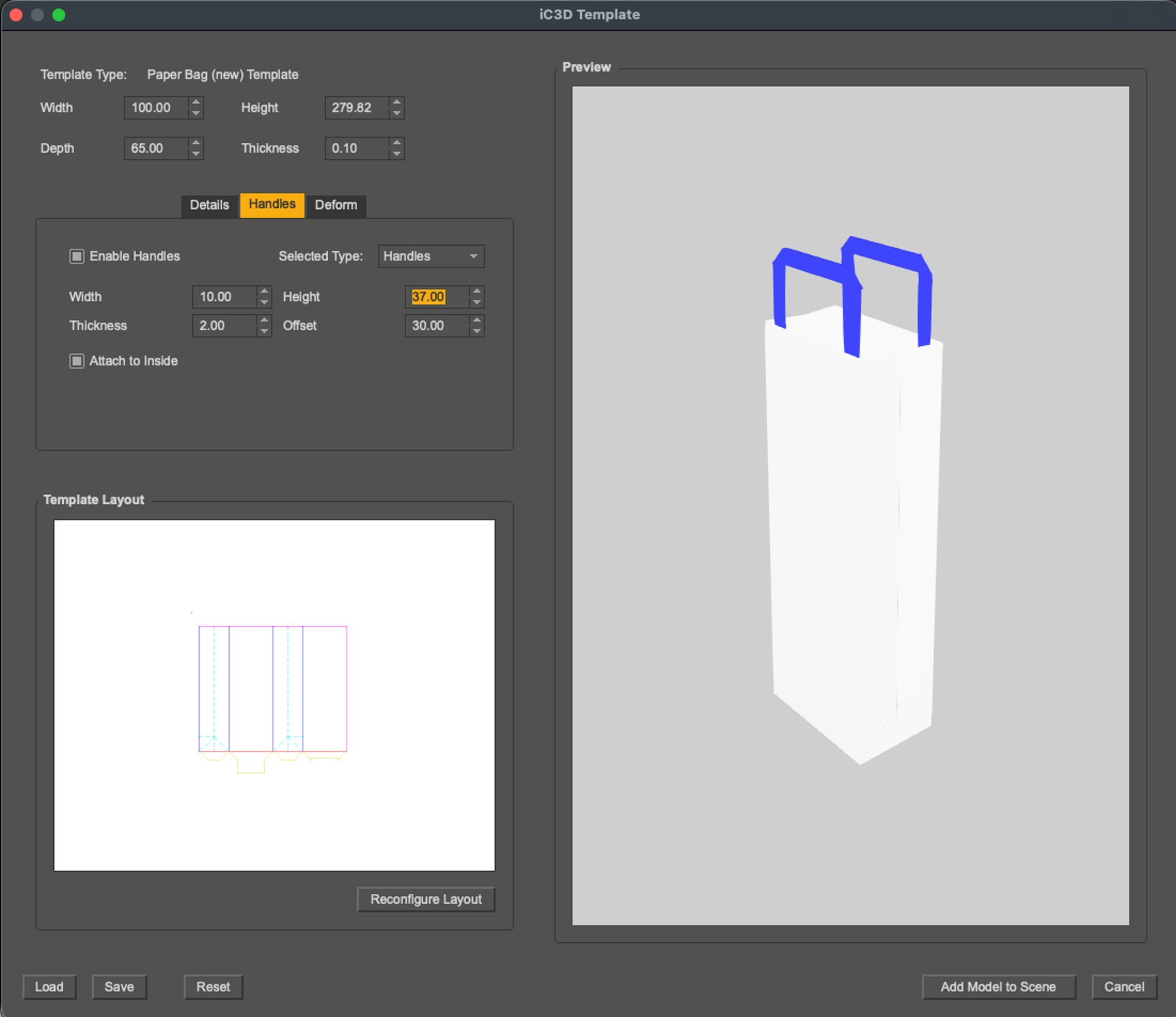
New Paper Bag Template
iC3D 12.0 introduces the new Paper Bag Template, expanding the possibilities for creating and visualizing paper-based packaging.
The feature supports the simulation of paper bag packaging designs using imported template and layout data, together with customizable fold lines. This makes it easier to create realistic 3D visualizations of paper bag concepts and evaluate designs before production.
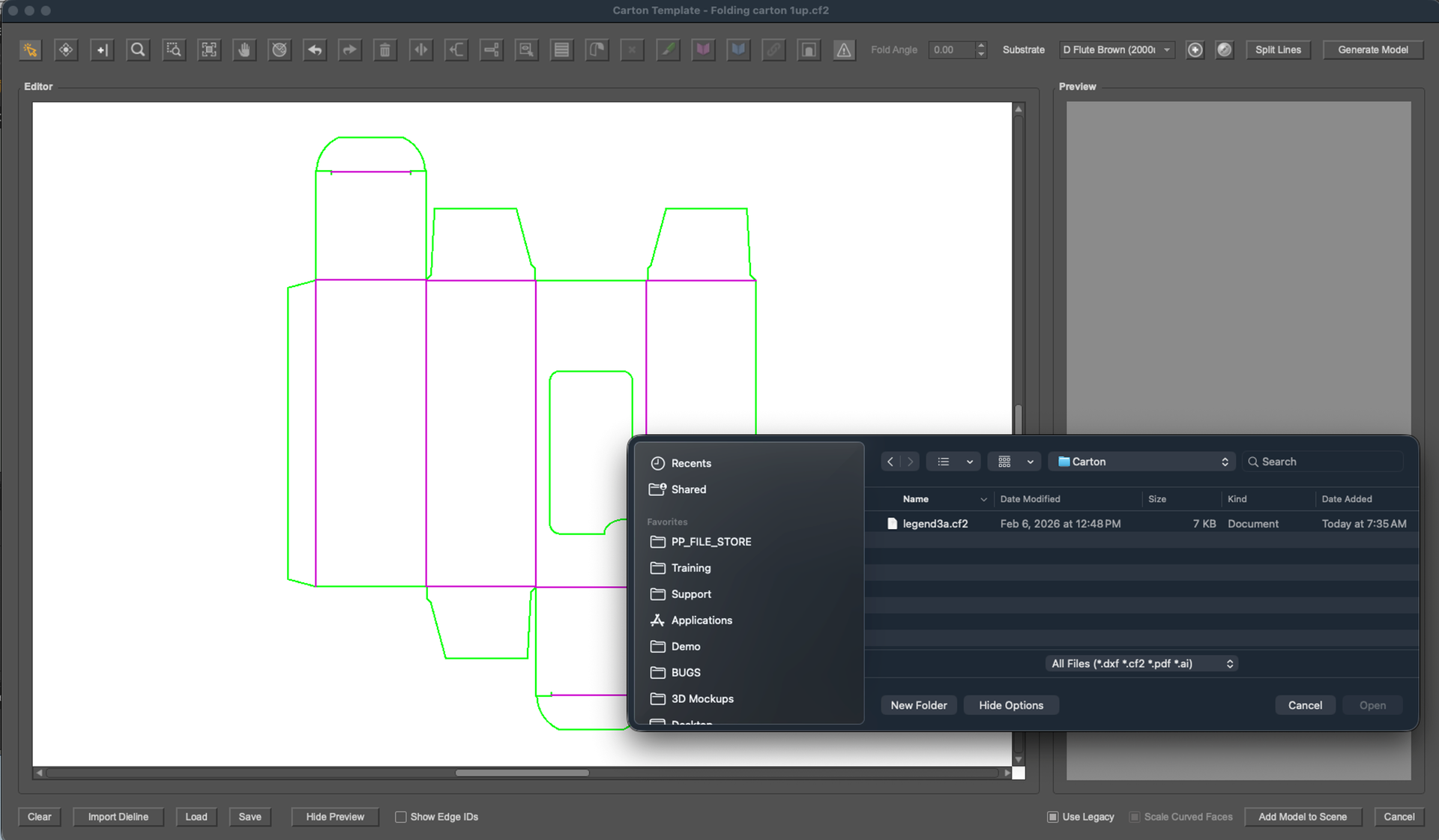
Extended CF2 Support for Carton Templates
We’ve also enhanced the Carton Template Editor with support for extended CF2 file information.
When a CF2 file containing extended information is imported into the Carton Template Editor, fold angles are automatically imported and applied to the template.
This reduces manual setup and helps ensure that the resulting 3D carton more accurately reflects the structural information contained in the original file.
Discover iC3D 12.0
From the new Paper Bag Template and enhanced CF2 support to the introduction of HYBRID Licensing, iC3D 12.0 delivers new tools and workflow improvements for packaging visualization.
We look forward to seeing what you create with the latest release.
Discover now at hybridsoftware.com/products/ic3d/.
